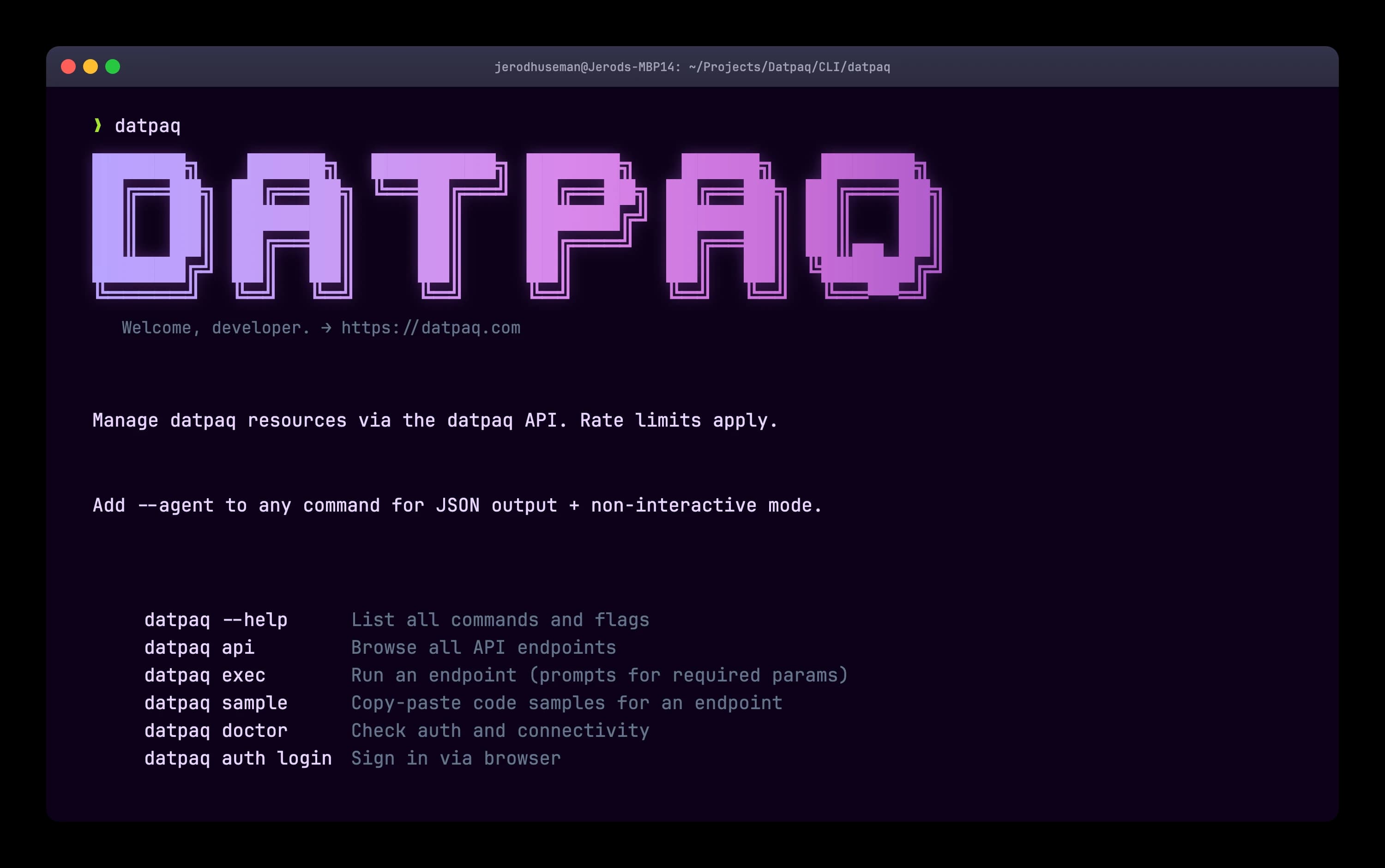
Quickstart
Four commands from install to integration.
The first-run path is intentionally boring: install, authenticate, browse what is available, then generate a snippet for the endpoint you need.
go install github.com/datpaq/cli/cmd/datpaq@latest
datpaq auth login
datpaq api
datpaq sample ip-geolocation get --lang pyThe workflow
Discover. Call. Integrate.
Datpaq CLI keeps the full API loop in one terminal flow, from finding an endpoint to shipping copy-pasteable integration code.
Discover
Run datpaq api to browse active interfaces and endpoint descriptions pulled from the API surface.
Call
Execute Datpaq endpoints directly with consistent flags, JSON output, batch inputs, and request controls.
Integrate
Generate curl, JavaScript, Python, or Go snippets with datpaq sample and drop them into your app.
How agents reach datpaq
Cited and called
The CLI is one way to reach Datpaq — answer engines do it too. They cite the content they crawl and invoke the API directly. The same answer can do both at once.
Feature parity
Built like a modern developer CLI
The CLI covers the expectations developers bring from tools like GitHub CLI, Stripe CLI, Wrangler, Railway, Netlify, and Twilio.
Browser SSO
Sign in with datpaq auth login and let the CLI handle the localhost callback and credential storage.
API discovery
List active APIs, inspect methods, and find the right command without leaving your terminal.
Copy-paste samples
Emit ready-to-run snippets with DATPAQ_API_KEY placeholders for safe sharing and faster handoff.
Batch-ready endpoints
Pass comma-separated inputs to batch-capable APIs with JSON output for validation, enrichment, and data workflows.
Agent mode
Append --agent for JSON, compact output, non-interactive defaults, stable prompts, and no color.
Bundled MCP server
Datpaq commands are mirrored as MCP tools for Claude Desktop and other MCP-capable clients.
Profiles and config
Save reusable command values, override config paths, and use DATPAQ_API_KEY for CI or scripts.
Doctor checks
Run datpaq doctor to verify auth, connectivity, and local setup before debugging an integration.
Real commands
Useful on day one
Datpaq CLI is generated from the API surface and rounded out with hand-authored workflows for auth, samples, profiles, diagnostics, search, sync, and agent output.
datpaq aircraft lookup-by-tail --tail N12345 --jsondatpaq email-validation email-validate-batch --emails a@example.com,b@example.com --json | jq '.[] | select(.deliverable == false)'datpaq image-processing image-resize --image-url https://example.com/photo.jpg --width 800 > photo-800.jpgdatpaq dns --domain example.com --agent | jq '.records'Install now
Install from source with Go today. Homebrew support is planned and should stay labeled as coming soon until the tap is published.
go install github.com/datpaq/cli/cmd/datpaq@latest

# Coming soon
brew install datpaq/tap/datpaq
Auth for humans, CI, and SSH
Start with browser-based SSO, paste a dashboard key for headless sessions, or rely on an environment variable in CI and secret managers.
Start from your terminal
Explore Datpaq APIs, generate snippets, and connect the same commands to scripts, CI jobs, and MCP-aware agents.